
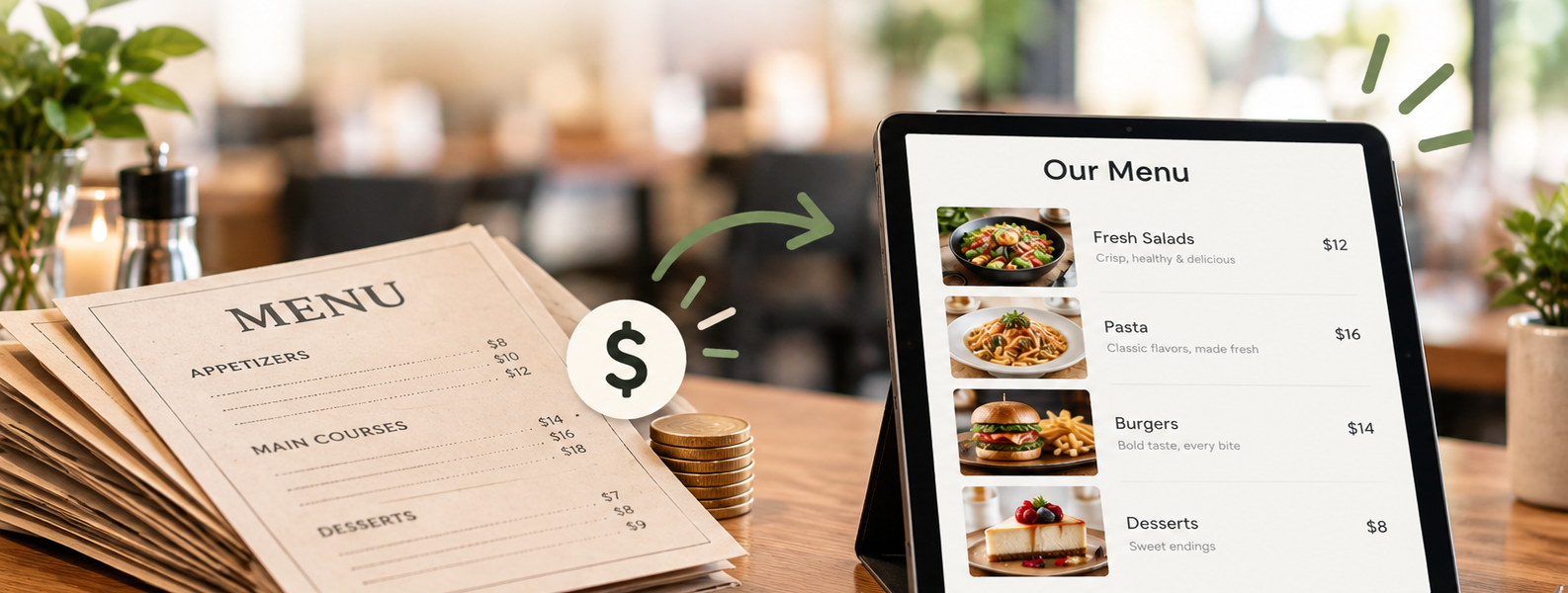

A paper menu might seem like a minor cost. However, those minor expenses can quickly mount when costs fluctuate, plates run out of stock, and new seasons come.
In fact, the larger challenge for a lot of restaurants goes beyond printing. It’s the revenue that is lost when customers rely on outdated information, staff are forced to spend time explaining changes, or fan-favorite dishes disappear from menus.
These unnecessary problems can be solved by a digital menu for restaurants. Following are 5 reasons your paper menus are hurting your business, and what you can do in relation to them.
- Reprinting Eats into Your Budget
Each time the menu changes it is a new trip to the printer. If a price has to change, or a dish is out of season, or simply if someone mistyped something, you can be left replacing dozens of copies.
When you have multiple locations, those costs become even more difficult to absorb.
The solution: Implement a digital menu where you can update prices and descriptions without having to print a whole new batch. Consider only keeping paper copies for customers that require them, and reduce the frequency with which you replace your complete menu.
- Old Prices Can Kill Your Margins
Food costs change. Supplier prices rise. Today, a dish can become nonprofitable whereas it made lots of profits for you last month.
If you have a paper menu with the old price still, you may absorb that difference. That can nibble on your margins in silence.
The solution: Your menu pricing should frequently be analyzed and adjusted. These changes to the menu are far easier to implement through a digital menu.
- Sold-Out Items Create Frustrated Customers
For instance, a customer selects a meal and finds that it is no longer available. When it happens regularly, the entire experience can seem chaotic.
Using paper menus is also unable to show customers what is currently available.
The solution: Update sold-out items and daily specials on your digital menu. If your system offers it then hide dishes that are not in stock and will be back, only show dishes for ordering once they have appeared back.
- A Seasonal Shift Becomes a Headache to Print
Your summer menu SHOULD NOT look the same as your winter menu. Well, switching paper menus is a time-consuming and costly process.
As seasons change, you might have to update drinks, specials, and ingredients too.
The solution: Make your menu seasonal by dividing it into sections that can be updated as things change. To get around this hurdle, digital menu is a lot simpler to be able to promote new dishes without having to order in new paper menus every few months.
- Reviewers Rave That Staff Walkthrough Menu Changes
With outdated menus, the staff often serves as a failsafe system. They provide information about changes in price, highlight dishes that are unavailable, and inform patrons if what you expected is actually there.
Which detracts from the time spent helping customers.
The solution: Ensure your menu is current. Customers have access to critical information before placing their orders with a clear digital menu.
A Simple Way to Start
You do not have to replace every paper menu overnight. Begin with those that change most often: specials, drinks, and dishes in season.
And then jazz those parts up in a digital menu for restaurants and leave the rest of your menu the same.
Aim is not to abolish paper altogether. This effort aims to minimize waste, lower update costs, and simplify your menu management.
It is a small switch which has the power to make huge changes in your restaurant’s profit.